Mobile-Friendly Navigation
The app layout can place key lobby categories and account pages within easy reach on smaller screens.
 Register
This EPH88 App guide helps Philippines users understand the Android APK download process and prepare for safer mobile access. It covers finding the official file, managing Android installation permissions, checking app settings, navigating account and wallet areas, reviewing promotional terms, and protecting personal information. Read local rules and use casino-style entertainment responsibly, with clear personal spending and time boundaries.
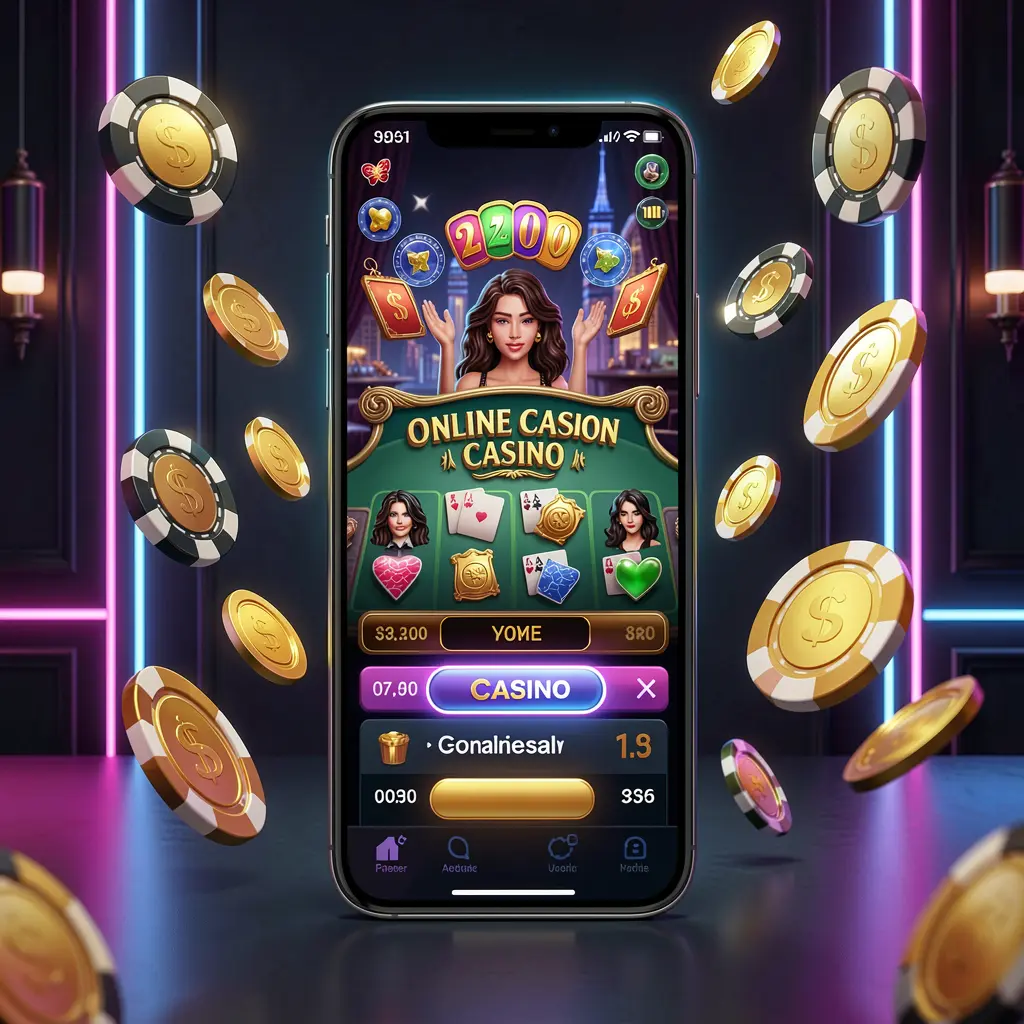
EPH88 App is an Android mobile access option that can provide a more direct route to the EPH88 platform. From a phone-based interface, users may be able to open account pages, entertainment categories, promotion information, wallet tools, and support resources without relying on a browser tab.
Mobile access can be convenient, but users should approach installation carefully. Download only through the official EPH88 source, protect device access, review permissions before accepting them, and check the applicable rules in the Philippines before using any casino-style service.
The EPH88 App is an Android APK-based option for accessing EPH88 through a mobile device. It is for adults where permitted, and users should understand account rules, financial conditions, privacy practices, and responsible play controls before proceeding.
The app layout can place key lobby categories and account pages within easy reach on smaller screens.
Users can look for balances, transaction records, payment instructions, and account settings from one mobile location.
Promotion pages may be accessible in the app; always check eligibility, expiry, and related conditions first.
Secure use starts with official downloads, private devices, strong passwords, and careful handling of verification codes.
Install the APK only after confirming that you are on the official EPH88 App page. Files from reposted download sites, group chats, and unverified links can create security risks for your device and account.
Open the official EPH88 website in your Android browser and locate its App or Download area. Confirm the page address and branding before selecting a download option.
Choose the Android APK file and allow the download to finish completely. Avoid opening duplicate files, renamed packages, or downloads received through unknown contacts.
Your Android device may request permission to install apps from the browser or file manager. Allow this only when needed for the official file, then disable the setting after installation.
Launch EPH88 after installation and check profile, security, wallet, and support sections. Read applicable payment, promotion, verification, and responsible use information before making any gaming-related choices.
A few basic checks can support more secure, informed mobile use.
For updates, return to the official EPH88 source rather than trusting alerts sent through unknown messages or external download pages. Keep your phone software current, use a screen lock, and sign out when using a device that other people can access.
Casino-style play involves uncertainty and should not be considered a source of income. Set limits before starting, avoid trying to recover losses, take regular breaks, and stop if use begins to affect your budget, wellbeing, or relationships.
Common answers about EPH88 App downloads, Android installation, security, and responsible mobile access.
Use only the official EPH88 website and its designated App or Download page. Avoid APK files shared through social posts, private messages, or unofficial file repositories.
This guide describes Android APK installation. Check the official EPH88 App page for current device availability and follow the instructions shown there.
Android requires approval when an app is installed outside its standard app store. Enable the permission only for the official installation, then turn it off afterward.
Use the official app file, create a strong unique password, keep OTPs private, review permissions, and avoid logging in through public or shared devices.
No. Casino-style activities have uncertain results and financial risk. Use only within a fixed budget, where allowed, and stop if participation becomes difficult to control.